
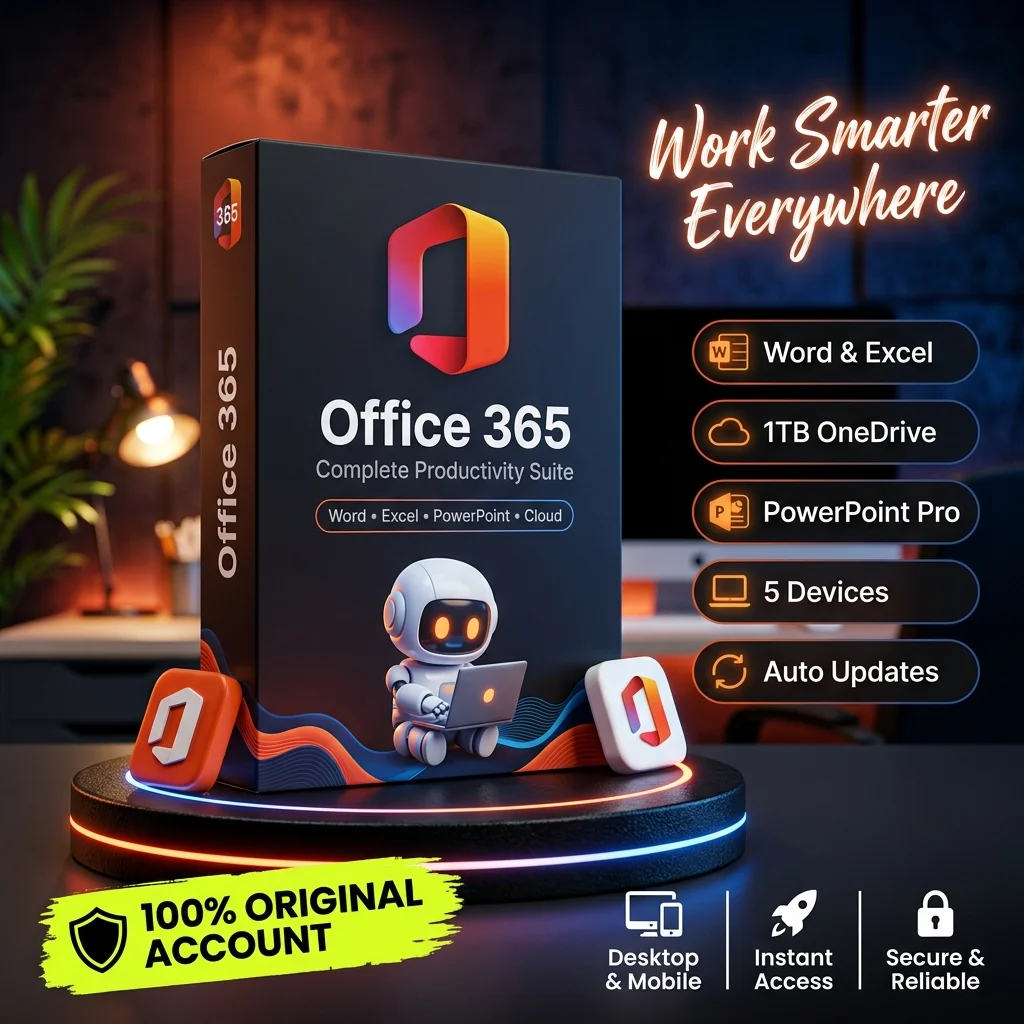
📝 Microsoft Word
📊 Microsoft Excel
📽️ Microsoft PowerPoint
📧 Microsoft Outlook
☁️ Microsoft OneDrive
195৳
Microsoft Office 365, now commonly known as Microsoft 365, is a productivity software subscription designed to help individuals, students, freelancers, and businesses create documents, analyze data, prepare presentations, manage emails, and organize everyday work efficiently. It brings together familiar Microsoft Office applications and cloud-based services to support productivity across compatible devices.
Whether you are preparing professional documents, managing business spreadsheets, creating presentations, or organizing files, Microsoft 365 provides practical tools for completing everyday tasks with greater convenience.
📝 Microsoft Word: Create, edit, format, and share professional documents, reports, letters, proposals, and other written materials.
📊 Microsoft Excel: Organize data, build spreadsheets, use formulas, generate charts, and analyze information for personal or business purposes.
📽️ Microsoft PowerPoint: Design professional presentations using customizable layouts, visual elements, charts, and presentation tools.
📧 Microsoft Outlook: Manage emails, contacts, calendars, meetings, and schedules using the features available with your subscription.
☁️ Microsoft OneDrive: Store files online, access supported documents across devices, and share files through available cloud storage features.
Document Creation and Editing: Use Microsoft Word to prepare professional documents, business reports, assignments, contracts, and everyday written content.
Spreadsheet and Data Analysis: Work with Microsoft Excel to organize records, calculate results, create charts, and manage financial or business information.
Presentation Design: Use Microsoft PowerPoint to develop visually engaging presentations for education, business meetings, training sessions, and marketing projects.
Email and Calendar Management: Organize professional communication, coordinate meetings, and manage schedules through Microsoft Outlook, depending on your subscription.
Cloud Storage and File Sharing: Save files to OneDrive, access documents online, and collaborate with others using supported sharing options.
Cross-Device Compatibility: Work across compatible Windows PCs, Macs, smartphones, tablets, and web browsers, with available applications and features depending on your plan.
Collaboration and Productivity: Share supported files and collaborate on documents with colleagues, classmates, or team members using available Microsoft 365 tools.
AI-Powered Assistance: Access Microsoft Copilot and other AI-powered features where included with your subscription, account, region, and supported applications.
Microsoft Office 365 can be useful for students, teachers, freelancers, office employees, entrepreneurs, business owners, and professionals who need reliable productivity software for everyday tasks.
It is particularly suitable for preparing assignments, managing business documents, creating presentations, analyzing spreadsheet data, organizing emails, and sharing files across devices.
Microsoft 365 combines widely used productivity applications with cloud storage, collaboration tools, and subscription-based updates. Its familiar interface and flexible features make it suitable for both personal and professional work.
From writing documents and building spreadsheets to creating presentations and managing business communication, Microsoft 365 helps users organize their work within a connected productivity environment.
Product Type: Office productivity software subscription.
Main Applications: Word, Excel, PowerPoint, Outlook, and OneNote, depending on the plan.
Cloud Storage: OneDrive storage allowance varies by subscription.
Supported Devices: Compatible Windows PCs, Macs, smartphones, tablets, and web browsers, depending on the application and plan.
AI Features: Copilot availability and usage limits depend on the selected subscription and account eligibility.
Important: Microsoft offers different personal, family, business, and other subscription plans. Before purchasing, confirm the license duration, activation method, supported devices, included applications, cloud storage allowance, and number of users.

Boost your productivity with the best Al tools and subscriptions.
@ 2026 SP AI TOOLS. All Rights Reserved.